
Each customer's history
Search by name or phone. The record shows spend, order history, a VIP mark, and the complaints and aftercare list. Measurements sit with the customer too.
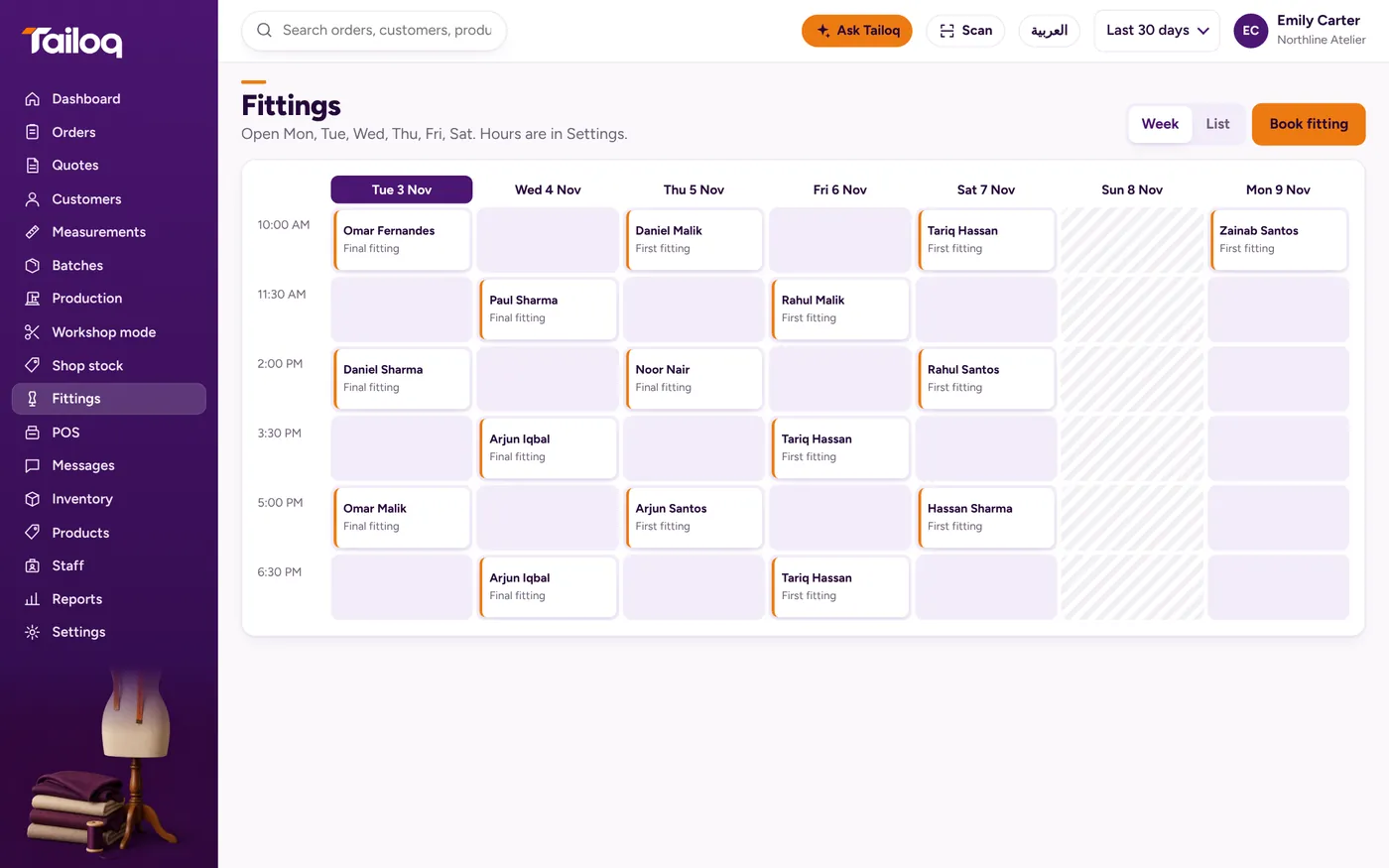
A fittings calendar with a clash check
Book, move or cancel fittings on a week calendar or a list, or a day view on a phone. Each fitting is linked to the customer and the open order. Tailoq warns you about a clash or a closed day before it is booked.
Fittings go into set slots over the next seven days. Fitting stage names follow your type of business, so a bespoke tailor sees a baste fitting and a bridal atelier sees a toile fitting.
Orders with several garments
One order can hold several garments, each with its own due date and stage. Mark any of them as customer-supplied fabric.
Example: a groom orders a sherwani for the wedding and two shirts for the week before. The shirts can be Ready while the sherwani is still at hand work, and the order shows both.
Quotes start at the POS and become an order when the customer accepts.
Order updates on WhatsApp
From the order, pick a Ready, Update or Balance message. Tailoq opens WhatsApp to the customer's number with the text typed out, you check it and press send, and the message is logged on the order.
Proof at handover
At handover, take a photo and get the customer's signature on the screen. The order then keeps the date, the photo and the signature.