
- Home
- Garment workshops
Garment production software for small workshops
You run uniforms, shirts or a small label in batches, on a floor of a few people or a few dozen. Tailoq tracks each batch by size from cutting to finished stock, including the part that leaves the building.
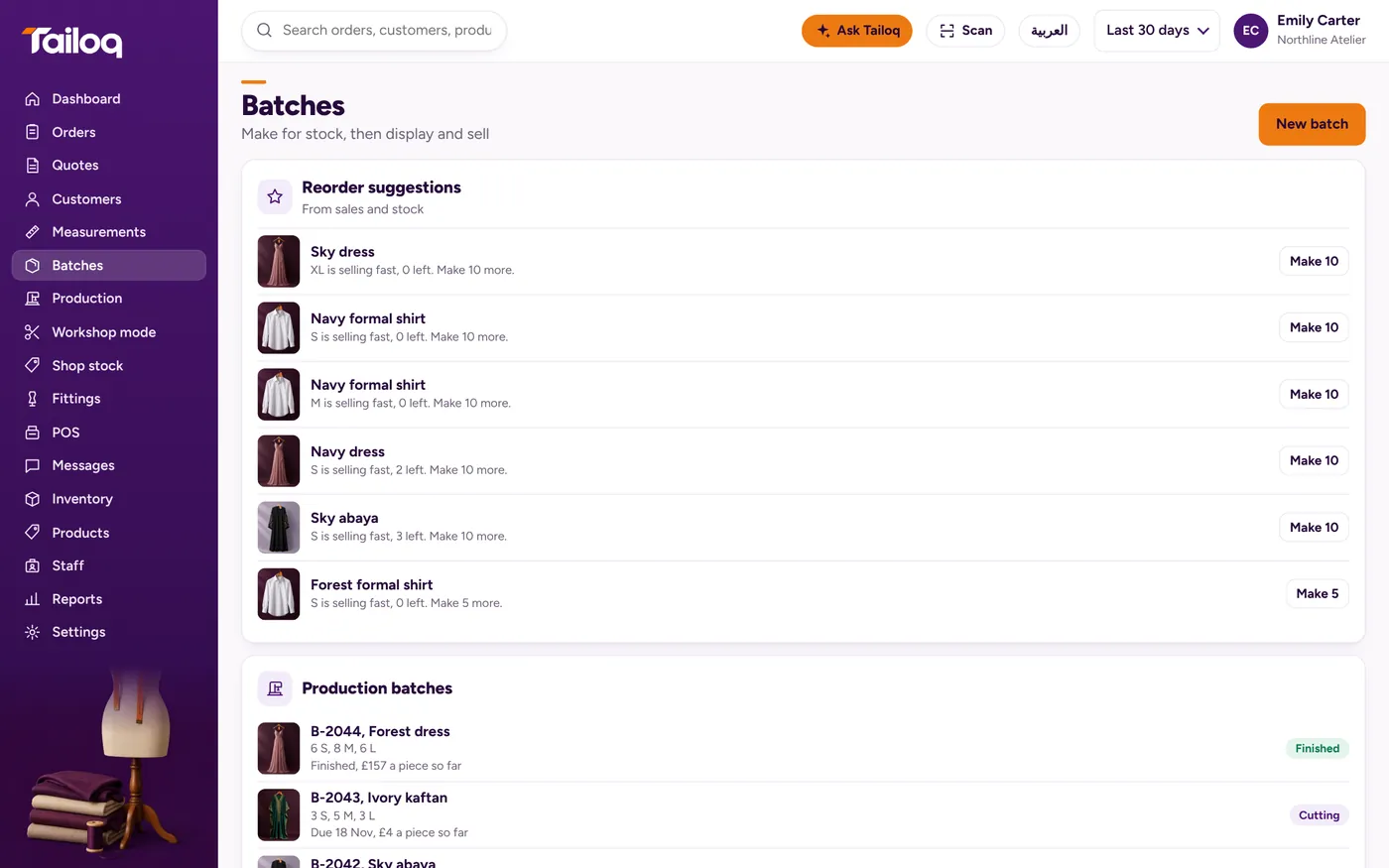
One batch of 60 chef jackets
An example batch: 12 small, 24 medium, 18 large and 6 extra large, 60 in all. The Uniforms preset runs Order placed, Sizing, Cutting, Stitching, Logo embroidery, Packing, Ready.
- Plan. Enter pieces per size and see the materials the batch needs before you cut. If fabric is short, you find out now.
- Cutting. Issue the fabric. Stock will not go below zero, and leftovers are returned to the ledger.
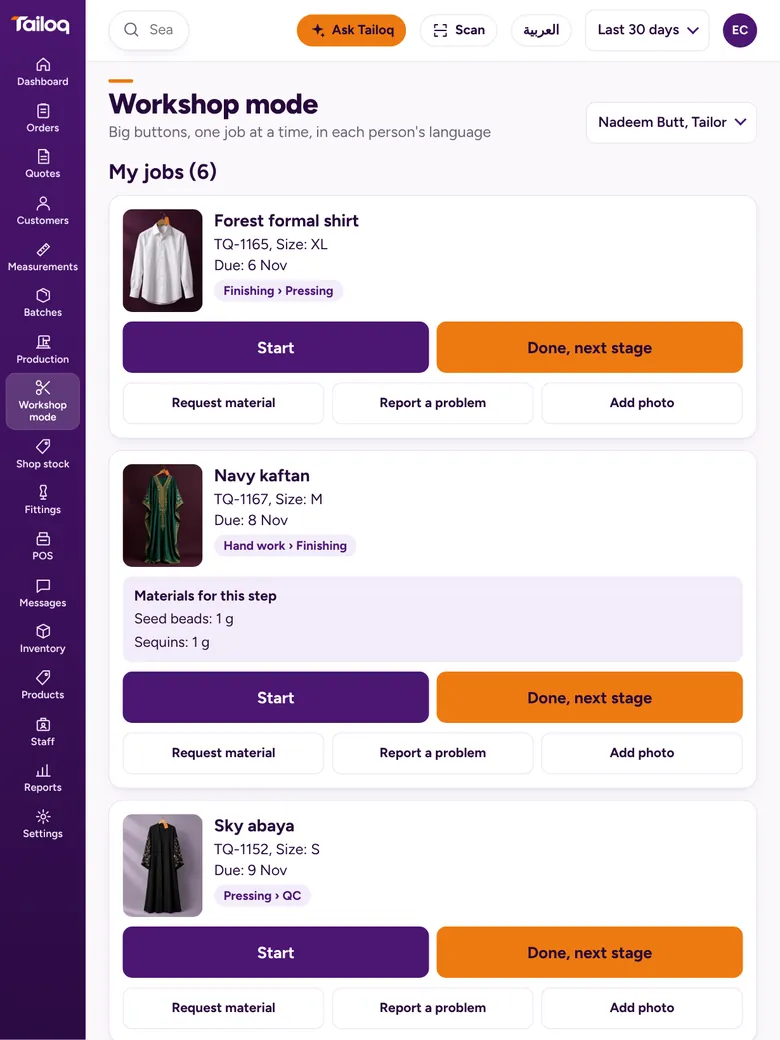
- Stitching. Operators request material from the workshop screen rather than walking to the store.
- Logo embroidery. Sent out to a vendor, see below.
- Packing and Ready. Finished pieces are tagged and enter stock.
A shirt maker has the same logic with different stages: Order placed, Pattern, Cutting, Stitching, Buttons, Pressing, Ready. You can add, rename or reorder stages in either preset.
Outside workshops, tracked like your own floor
Embroidery, printing or overflow stitching often goes to someone down the road, and that is where batches vanish. Send the work out from a handwork stage with the vendor, expected date and cost, and the materials go with it. The batch sits in its own Outside lane, with an overdue flag if the date passes.
In the example, 60 jackets go to the embroiderer and 58 come back. The shortfall of 2 is logged as vendor wastage, so you have a record to raise with the vendor. To send part of a batch, split it and keep the rest moving at home.
QC by size and quantity
The Uniforms and Shirt maker presets have no QC stage, so add one where you check. At QC, pass the batch or reject pieces by size and quantity. Rejects split away and return to the stage you choose, with a reason and an optional photo, while good pieces carry on.
Rework is logged per job and counted per person. Wastage reports show value by reason and by person. Read about tracking garment production if you are setting this up from paper.
Cost per piece, from what really happened
The price you quoted a school or a kitchen rests on an estimate. Tailoq builds the cost from issued material, labour and outside work. A worked example with made-up figures:
| Item | Sum | Cost |
|---|---|---|
| Fabric | 120 m at 9 | 1,080 |
| Buttons and trims | as issued | 180 |
| Labour | 70 hours at 6 | 420 |
| Outside embroidery | 60 pieces at 2 | 120 |
| Batch cost | 1,800 | |
| Cost per piece | 1,800 for 60 | 30 |
The garment cost sheet lets you try the same sum by hand first.
Keeping the material coming
Purchase orders are drafted from items below reorder level, grouped by supplier. Goods received are checked line by line, with rejected lines recorded, so a bad roll stays off the stock count. Dye lots are held in the movement ledger, which helps when a reorder has to match.
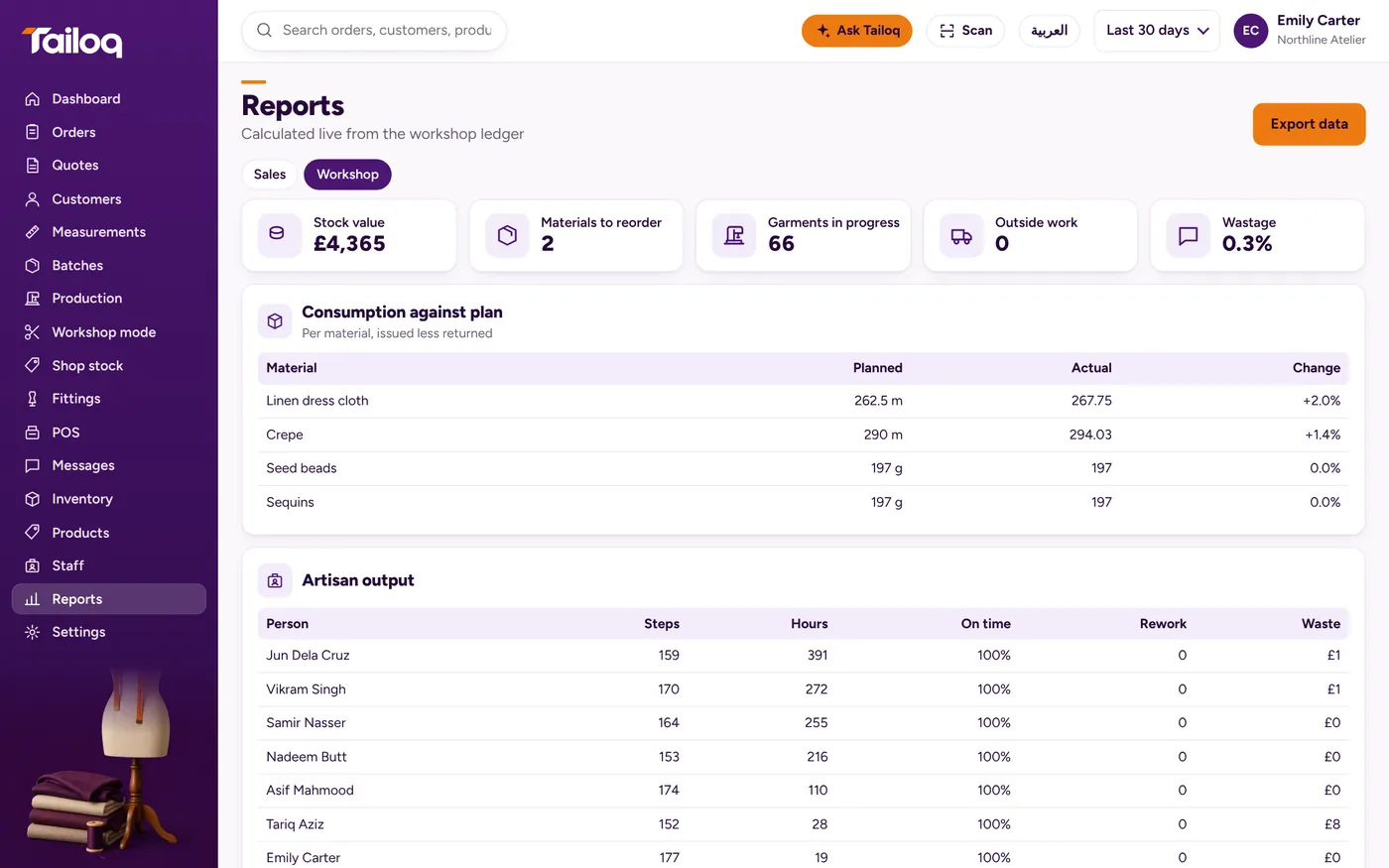
Tailoq works out 30-day pay by salary, piece rate or commission, and artisan output shows who made what. If you run a factory with planners, several lines and a merchandising team, a heavier system will suit you better. Our page on tailoring ERP sets out where that line falls.