
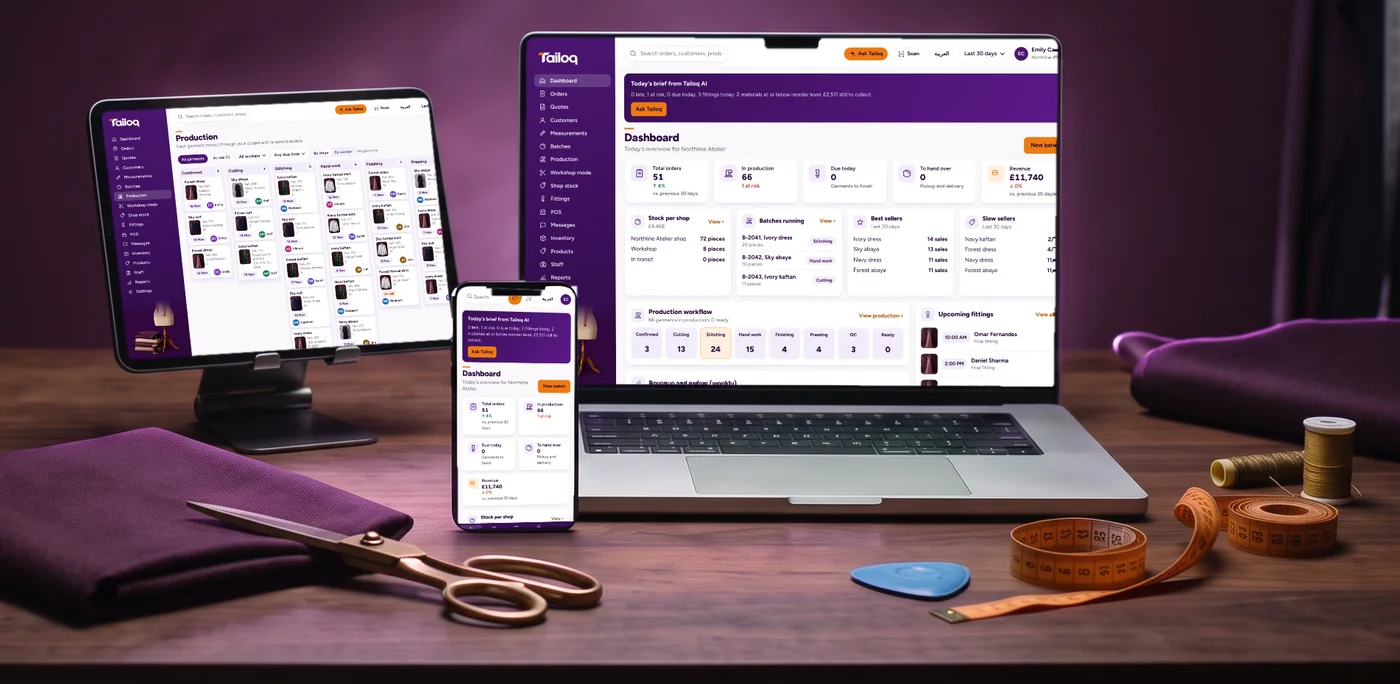
iPhone and iPad
Use Safari
- Open tailoq.io/app in Safari.
- Tap the Share button .
- Scroll down and tap Add to Home Screen.
- Tap Add. Tailoq is now on your home screen.
Android
Use Chrome
- Open tailoq.io/app in Chrome.
- Tap the menu , top right.
- Tap Install app or Add to Home screen.
- Tap Install. Tailoq is now with your other apps.
Windows
Use Chrome or Edge
- Open tailoq.io/app in Chrome or Edge.
- Click the install icon at the right of the address bar.
- Click Install.
- Tailoq opens in its own window. Pin it to the taskbar if you like.
Mac
Use Chrome, Edge or Safari
- Open tailoq.io/app in your browser.
- In Chrome or Edge, click the install icon in the address bar, then Install.
- In Safari, choose File, then Add to Dock.
- Tailoq is now in your Dock and opens in its own window.
Good to know
- There is nothing to download from an app store. The app comes from your browser.
- Menu names can differ a little between browser versions.
- Sign in the first time you open it, using the details we give you.
- Want to look around first? Book a free demo.