Plan batches by size
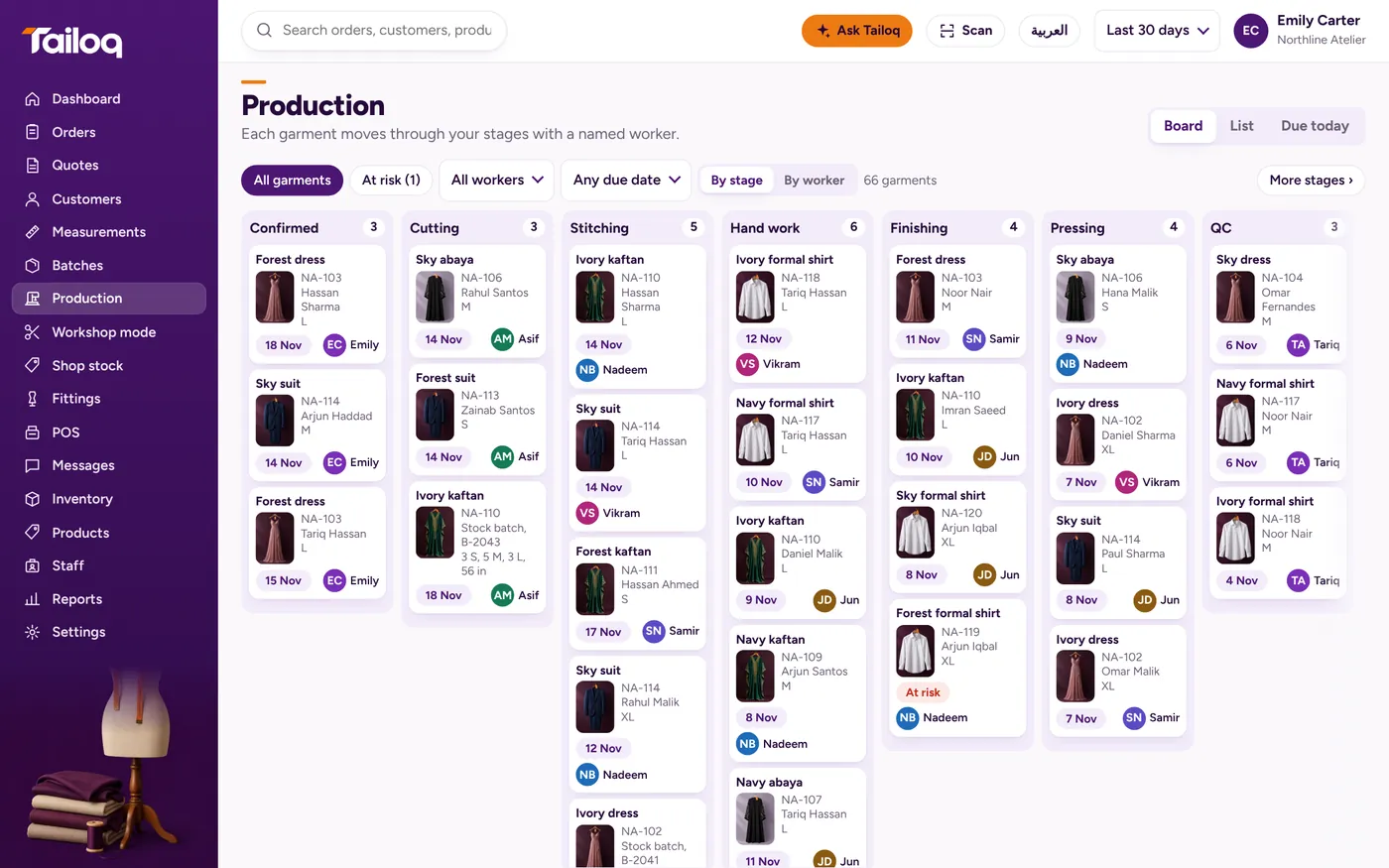
Enter the pieces you want per size and Tailoq previews the materials before anyone cuts. When a batch finishes, its pieces are tagged and enter stock.
Part of a batch can go a different way. Split off the rejects or the pieces going out for hand work, and the rest carry on.
Example: a batch of 32 abayas runs S 8, M 12, L 8, XL 4. At QC, 3 of the M pieces are rejected. Split those 3 back to stitching and the other 29 go on to Ready.
Stages that match your workshop
Start from a preset for your type of business, then add, rename, reorder or remove stages in Settings. A bespoke preset runs Consultation, Cutting, Baste fitting, Stitching, Forward fitting, Finishing, Ready. An alterations preset runs Received, Pinning, Altering, Pressing, Ready.
See how this suits bespoke tailors and garment workshops.
One person on each stage
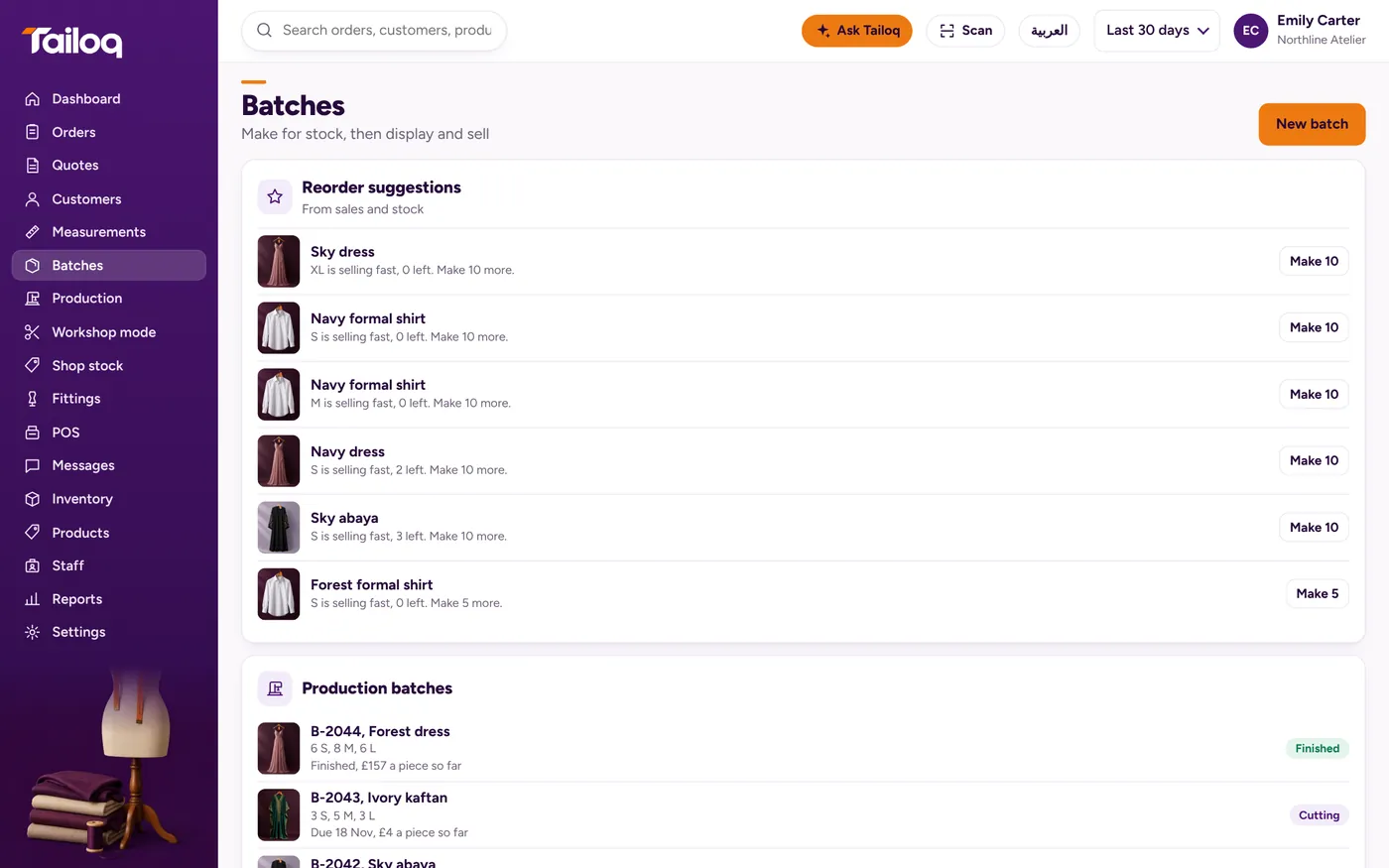
Each stage of each job has one person assigned. Change it from a picker, or drag the job on the by-worker board.
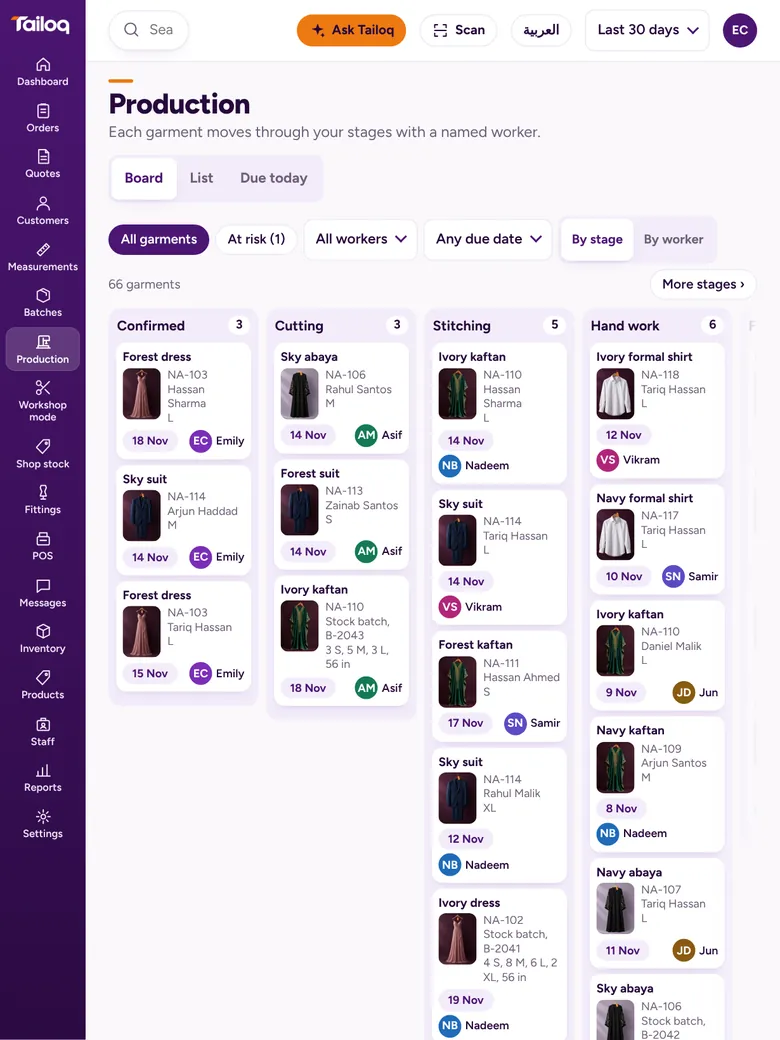
Three views cover the day: the board, a list, and due today. The people doing the work get their own workshop screen.
Outside workshops, in their own lane
When hand embroidery or beading goes to an outside workshop, send it from a hand-work stage with the vendor, expected date and cost. The materials go with it.
Sent work sits in its own Outside lane and shows an overdue flag once the date passes. When it comes back, any shortfall is logged as vendor wastage. Bridal ateliers tend to lean on this part most.
QC that sends work back to the right place
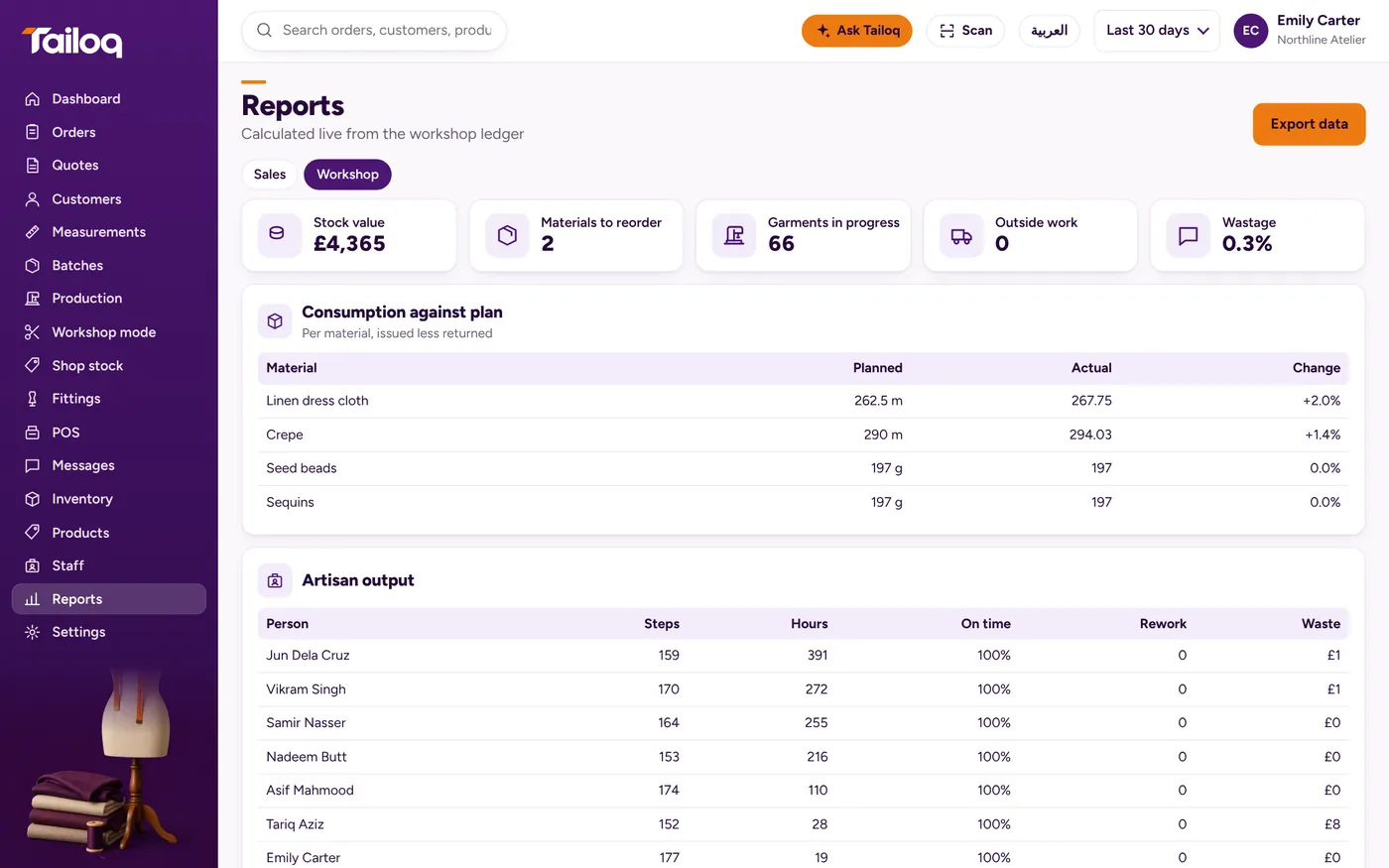
At a QC stage, pass or reject. A rejection needs a stage to return to and a reason, and you can add a photo. The rework is logged on the job and counted against the person.
Not every preset includes a QC stage. If yours does not, add one in Settings.
Know what to make next
Tailoq suggests what to reorder by setting the last 30 days of sales against stock and running batches. From a suggestion you can start the batch.
For a wider look at the method, read our guide to garment production tracking.