- Home
- Tailor invoice template
Free tailor invoice template
A blank A4 invoice to print and fill in by hand, and an Excel version that adds up the totals for you. Both work in any currency.
What is on the template
- Your shop name, address, phone and tax number if you have one.
- Invoice number, invoice date and order number.
- Customer or company, with room for a business customer's address and tax number.
- Next fitting and ready date on the PDF.
- Ten lines on the PDF and twelve in Excel, each with quantity, unit price and amount.
- A "Whose fabric" column, so it is clear which garments were made from the customer's own cloth.
- Subtotal, tax, total, deposit paid, other payments and balance due.
- Signature lines on the PDF for drop-off and collection.
Deposits and the balance
Most tailoring work is paid in two parts, which is where hand-written bills go wrong. Write the deposit on the invoice the day you take it. When the customer pays more, add it to "Other payments". The balance should always equal the total less everything paid.
In the Excel file this happens by itself. Enter the quantity, the price before tax, your tax rate and the payments. Leave the tax rate blank if you do not charge tax. Example only: two lines totalling 250.50, tax at 5% of 12.53 and a deposit of 100 leave a balance of 163.03.
Number every invoice in sequence and keep a copy. Before you rely on any template, check what your tax rules require on an invoice where you trade. Requirements differ by country.
Invoice, bill or receipt?
Shops use these words loosely. An invoice or bill says what is owed. A receipt says what was paid. With the deposit and balance filled in, this one page does both jobs for an ordinary customer. Write "paid in full" and the date at collection. A tax invoice may have to carry more, so check your local rules.
If you are in the UAE
From 2027, in phases, UAE businesses must exchange invoices with other businesses and government bodies as structured eInvoices, through an Accredited Service Provider accredited by the Ministry of Finance. A PDF or a scanned invoice is not an eInvoice, so this template does not meet that requirement for B2B sales.
Sales to individual customers are currently outside the system, and a business selling exclusively to consumers is not currently subject to it. If you are VAT registered, you still issue Tax Invoices as before. If you also sell to companies, for example staff uniforms, the rules apply to you, and those sales need eInvoices. Read our UAE e-invoicing guide for tailors and boutiques for the dates.
Tailoq is not an Accredited Service Provider. General information based on Ministry of Finance publications, checked 3 November 2026. Rules can change. Not tax or legal advice.
When paper stops being enough
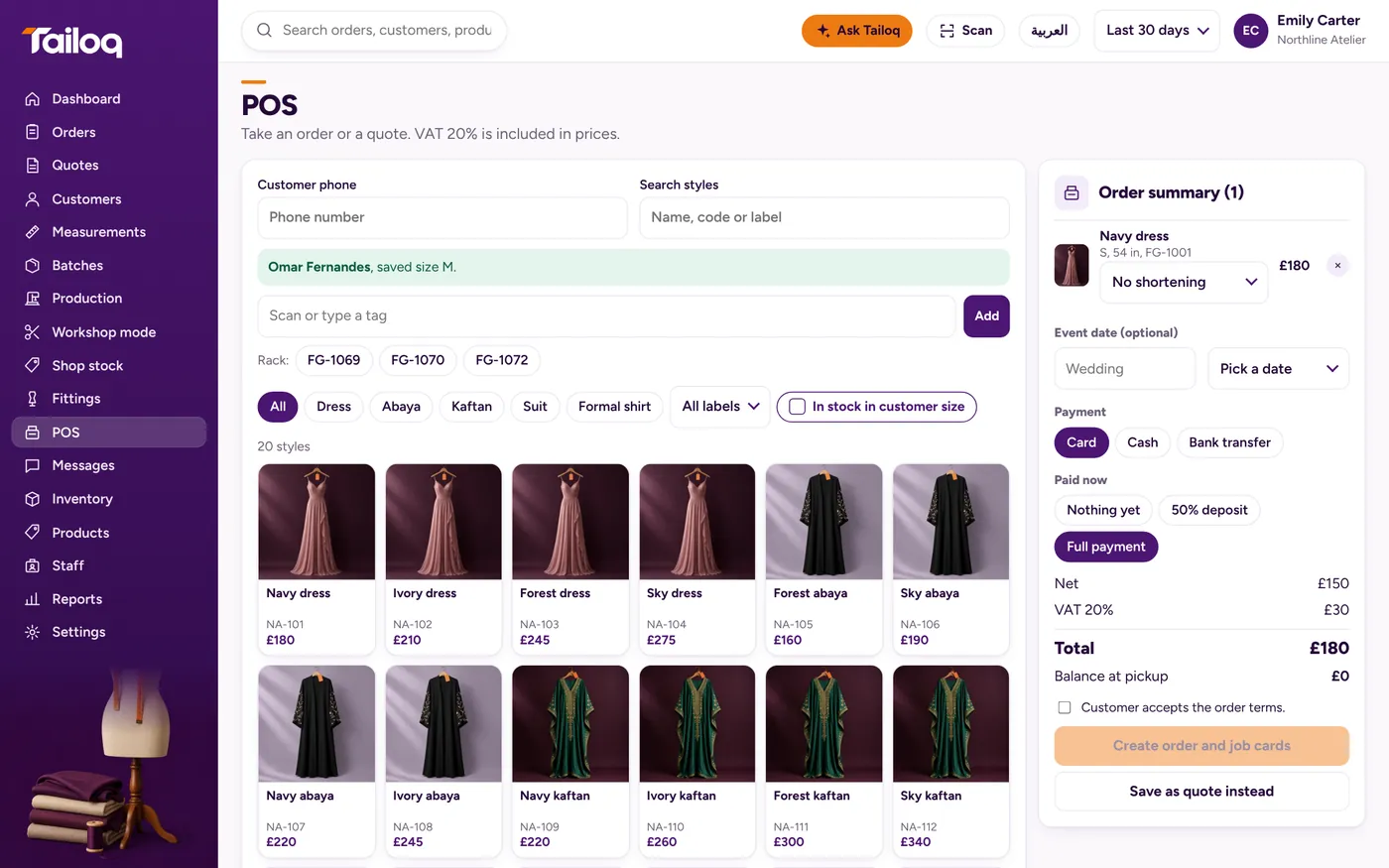
A paper invoice records the money. It does not tell the workshop anything. In Tailoq, the order, deposit, later payments and balance sit together, with net and tax shown on screen. Printing invoices and e-invoicing are not in Tailoq today, so a shop that needs them keeps using a template like this one, or an invoicing tool.