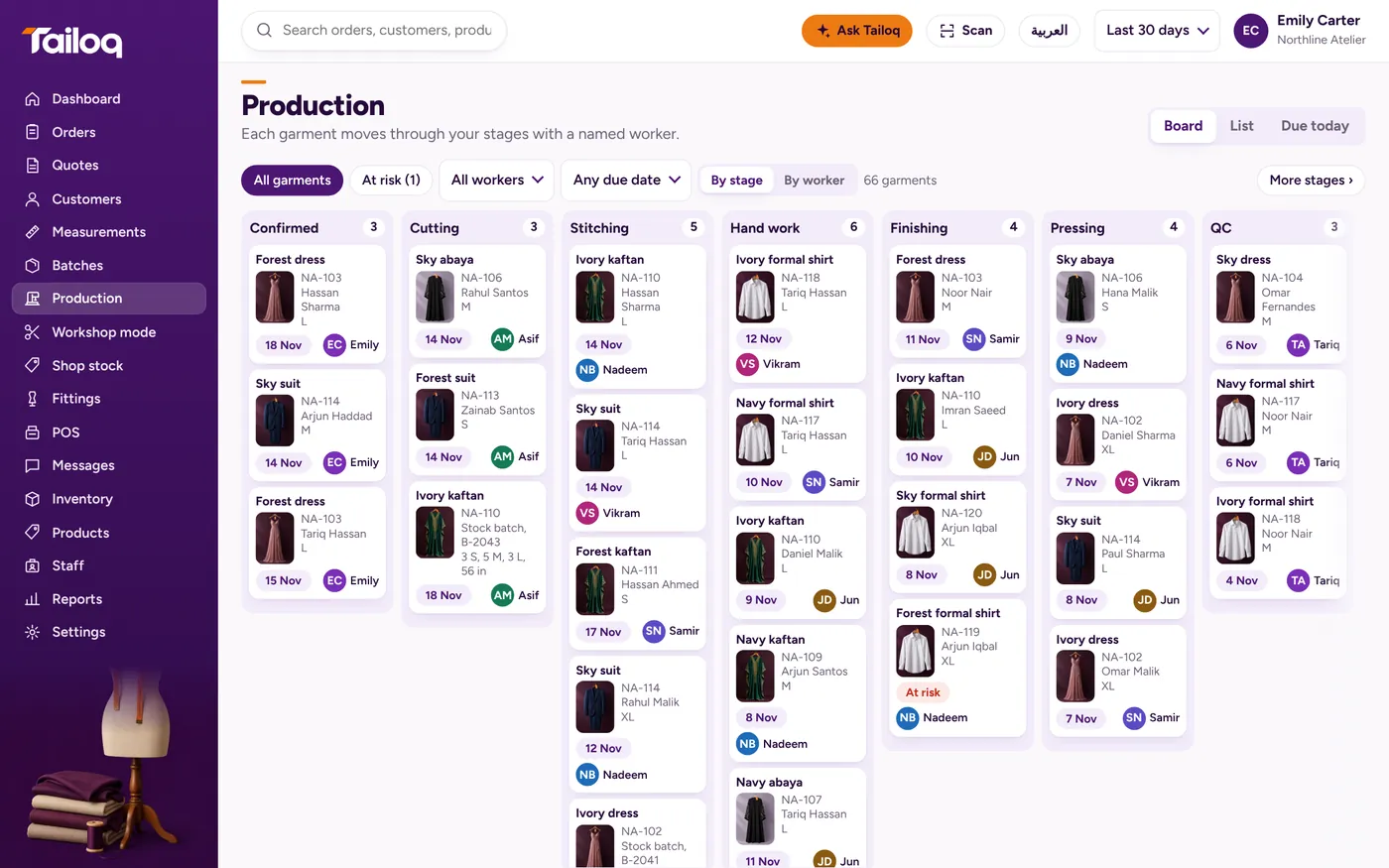
Each person opens their own jobs
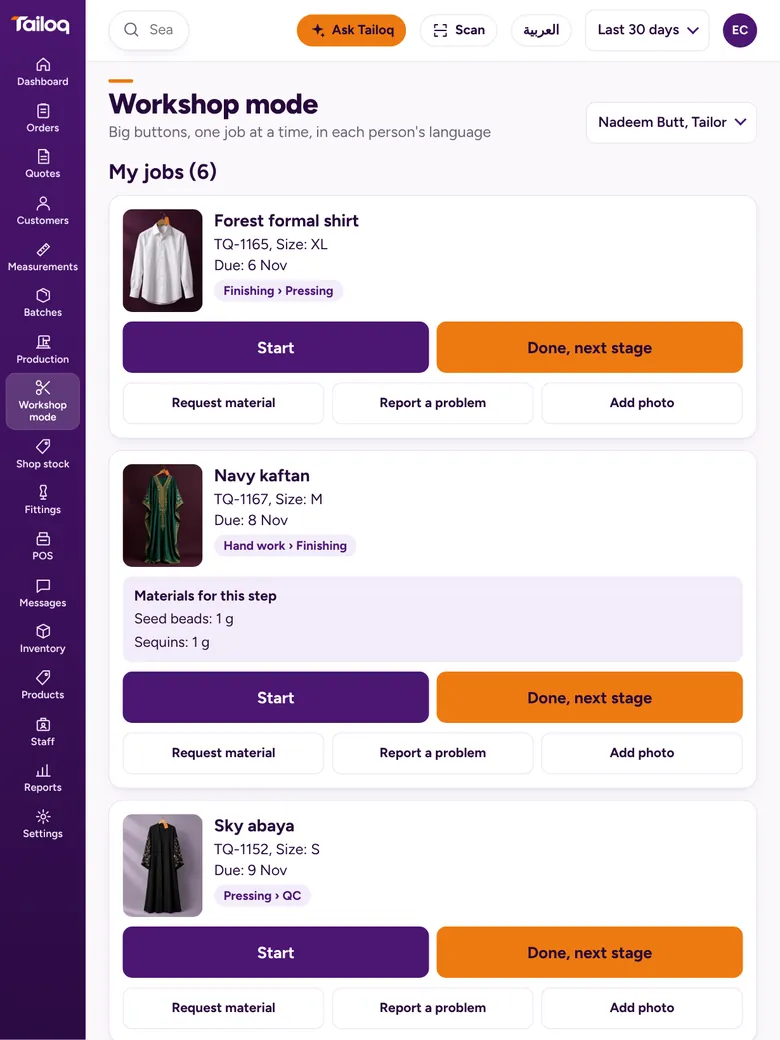
Pick your name and your jobs appear as cards, with the soonest due date at the top. Each card shows the photo, tag, size, due date, care note, current and next stage, and the materials for the step.
The screen text follows each person's language, so a shared tablet can serve a mixed team.
Start, Pause, Done
The big buttons are Start, Pause and Done. Done then asks for hours and pieces, and Save closes the step. Those hours go into the cost of the job.
QC staff get Pass and Reject on their cards. A rejection goes back to the stage they choose, with the reason.
Ask, report, show
Smaller buttons sit under the big ones:
- Request material. The request goes to Inventory.
- Report a problem. Choose the type and the office can see it.
- Add photo. On a phone it opens the camera, which helps when a beaded panel needs a second opinion.
Paper when you want paper
Job tickets can still be printed, so a ticket can stay pinned to the work while the screen does the counting.
Our piece on digital job cards for tailors covers when each one earns its place. Garment workshops and alterations shops tend to get the most from this screen.