- Home
- Tailoring ERP
Tailoring ERP software, in plain terms
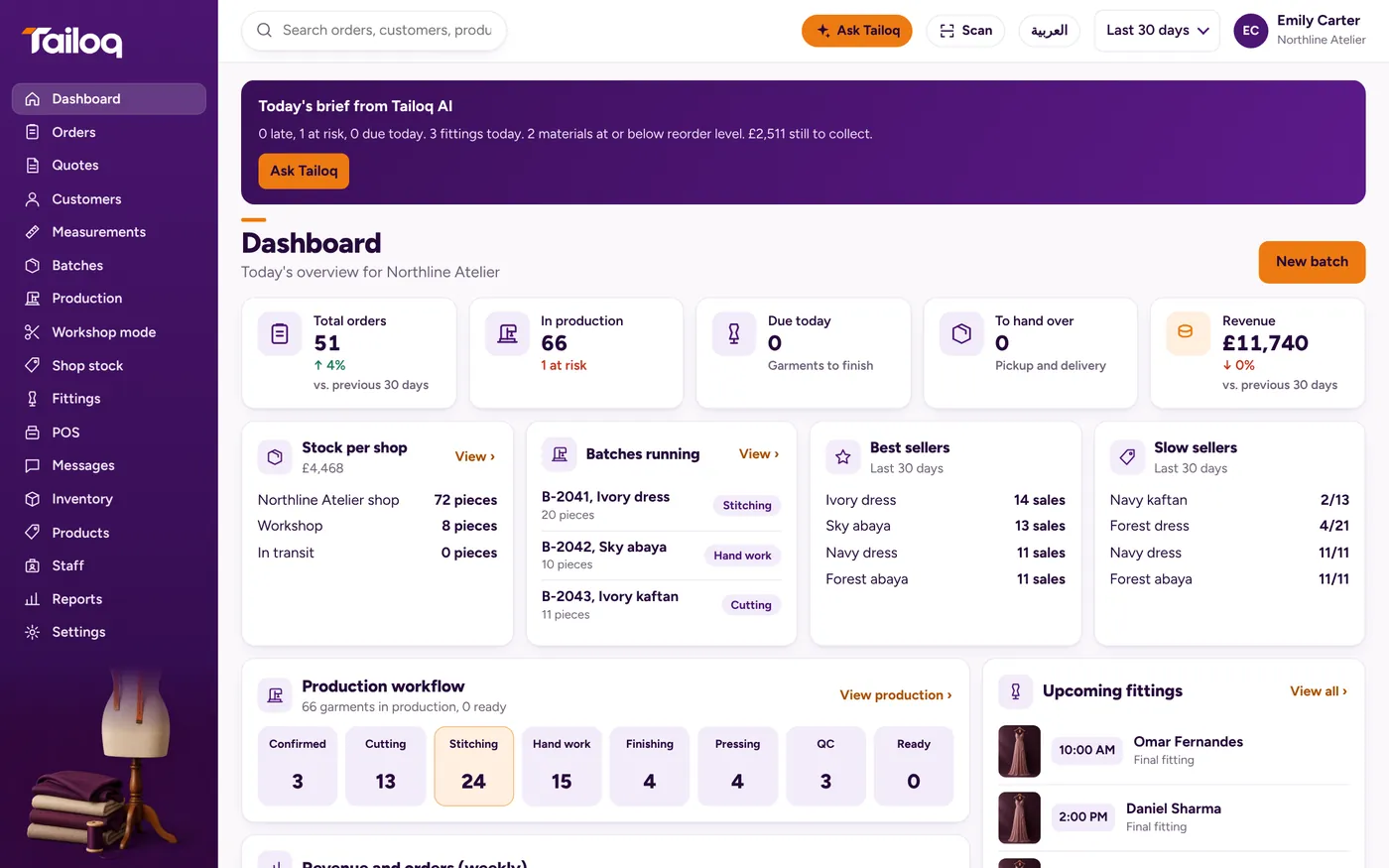
The first ERP of its kind for tailoring and garment businesses, with full AI features and complete workshop and shop systems in one. ERP means one system for the whole business, in place of a separate book for orders, stock and money. Here is what that means for a tailoring shop, what Tailoq covers, and where a heavier system is the better buy.
What ERP means for a tailoring shop
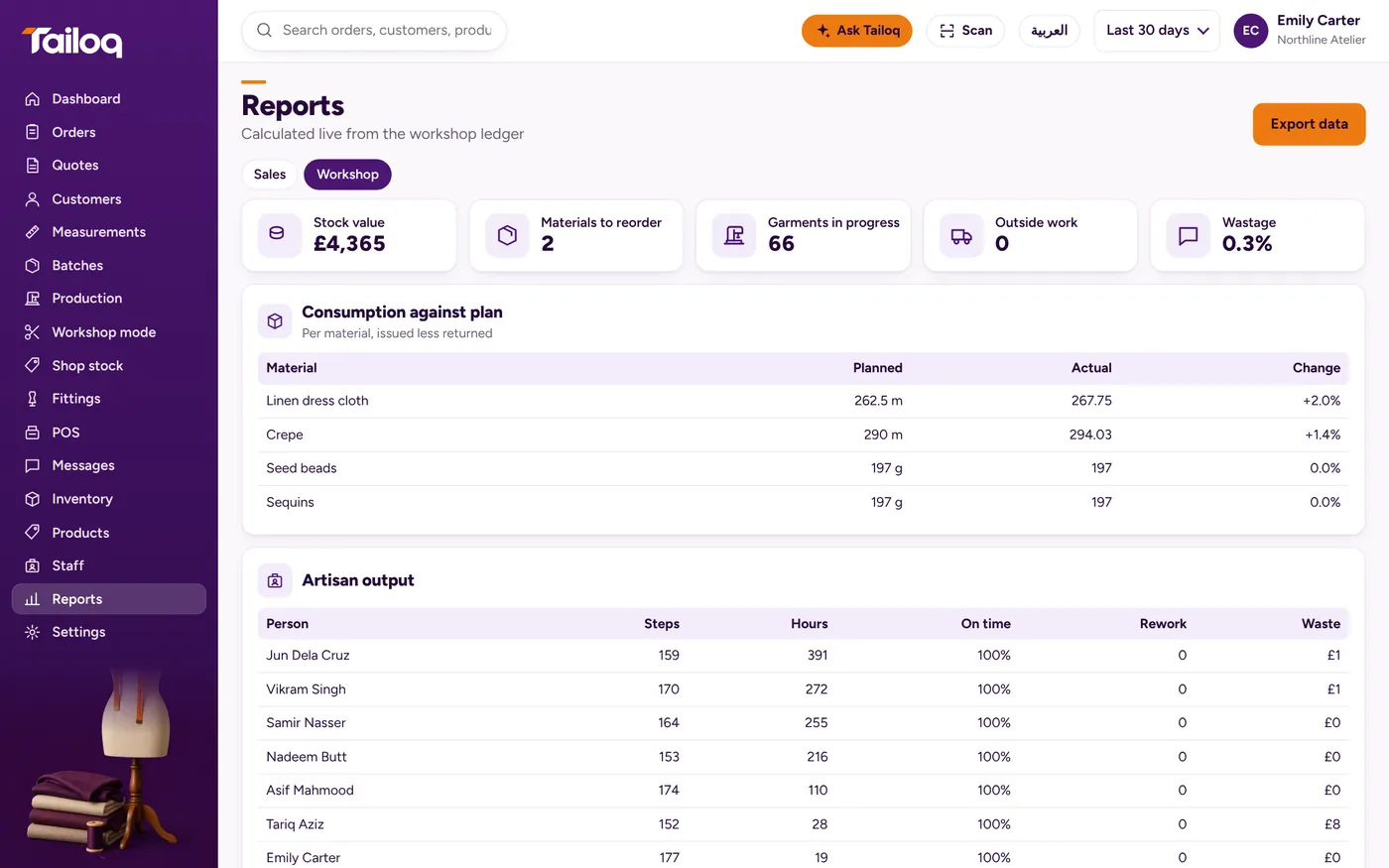
ERP stands for enterprise resource planning. In a factory it covers planning, purchasing, stores, production, sales, finance and people. In a shop with a workshop, the idea is simpler. A metre of fabric, an hour of stitching and a deposit should all end up against the same garment, with nobody retyping them.
Tailoring ERP software has been sold for years, and several products use the name. The word covers anything from an order book to a factory system, so judge a product by its modules. A general ERP can be shaped for tailoring, usually with a partner, and it rarely knows about fittings, measurements or a shortening at the till. Our post on ERP versus spreadsheets covers the step before this one.
One shirt through every module
An example: three formal shirts for one customer, on the Shirt maker preset. Stages are Order placed, Pattern, Cutting, Stitching, Buttons, Pressing, Ready.
| Module | What happens to the shirt |
|---|---|
| Sales | A quote becomes an order, with a deposit. Each shirt has its own due date and stage. |
| Customers | Measurements are saved as a dated set for this garment, and the customer's order history builds up. |
| Production | Each stage has one assigned person, shown on board, list and due-today views. |
| Materials | Fabric is issued at Cutting and buttons at Buttons. Stock falls and the movement ledger records it. |
| Purchasing | Buttons drop below reorder level. A PO is drafted, then goods received are checked by line. |
| Shop floor | The tailor opens their own jobs on the workshop screen, and types in the hours at Done. |
| Costing | Issued material, labour and outside work become a job cost. Margin shows at Ready. |
| Stock and POS | On the Boutique with a workshop preset, finished batches go to the shop and sell at the till by size. On this preset the POS takes orders for the workshop. |
| People | The work counts towards 30-day pay by salary, piece rate or commission. |
| Reports | Dashboard, sales and workshop reports, day-end cash closing, and CSV export. |
What a heavy ERP has that Tailoq does not
If you need any of these, say so early when you compare systems, because Tailoq will not cover it today:
- Accounting. No general ledger, payables or accounting links. Your accountant still works from your books, and CSV export is the way out.
- Planning. No capacity planning, line balancing or machine scheduling.
- Materials setup. You see the materials a batch needs, but do not expect a bill of materials editor.
- Access control. No user roles or approval chains.
- Data links. No integrations, API or import, so records do not come across from another system.
- Payroll depth. No attendance or payslips.
- Retail depth. No returns, refunds or discounts, no payment gateways, and no shop-to-shop transfers.
- Compliance. No e-invoicing.
- Margin net of tax. The margin shown includes tax, so take the tax off before comparing.
- Connection. Working without a connection is not available yet.
Who should buy which
Choose a heavy ERP if you run several factories, have a finance team that needs one ledger, or hold purchase contracts that need formal approval steps. Expect a project, a partner and a real budget.
Tailoq suits a business with one workshop or a few, one shop or a few, that both makes and sells, and that needs production, materials, cost per piece and a till working together. It starts from one of eight business presets and a few settings: country, currency, tax name and units. Stages can be changed in Settings. Our guide on choosing tailoring software lists the questions to ask any vendor, including us.