
What installing means here
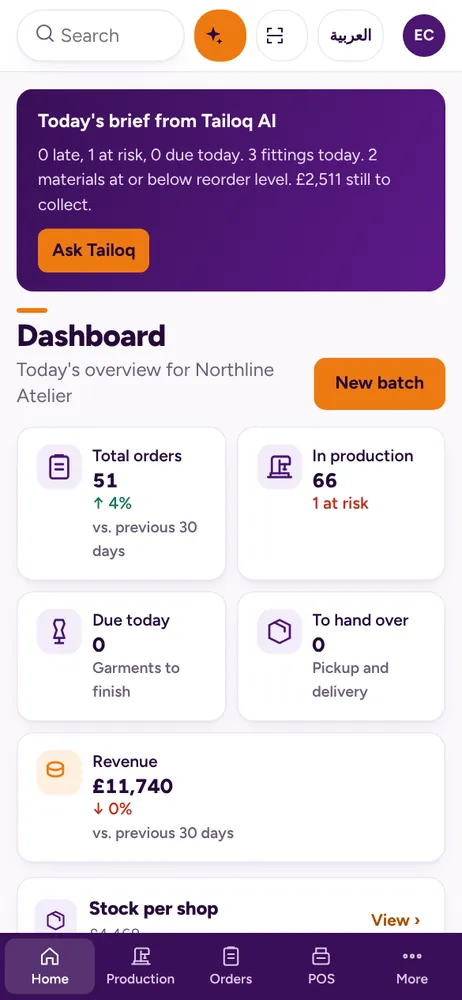
Tailoq is a progressive web app, or PWA. In plain words, it is a website that can be added to your device like an app. It gets its own icon and opens in its own window, without the browser's address bar.
There is no app store to go through, no download to find and no setup disk. Follow the steps for your device below.
iPhone and iPad
- Open Tailoq in Safari.
- Tap the Share button.
- Scroll down and tap Add to Home Screen.
- Tap Add. The Tailoq icon appears on your home screen.
Android
- Open Tailoq in Chrome.
- Tap the menu, the three dots at the top right.
- Tap Install app.
- Confirm. The icon appears with your other apps.
Windows and Mac computers
- Open Tailoq in Chrome or Edge.
- Look for the install icon at the right end of the address bar.
- Click it, then click Install.
- Tailoq opens in its own window. Keep it on your taskbar or Dock.
Screens that fit the work
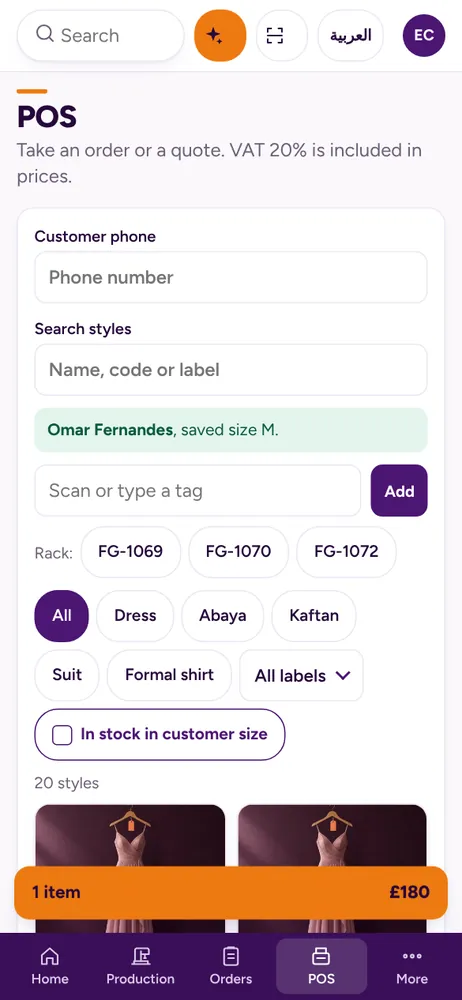
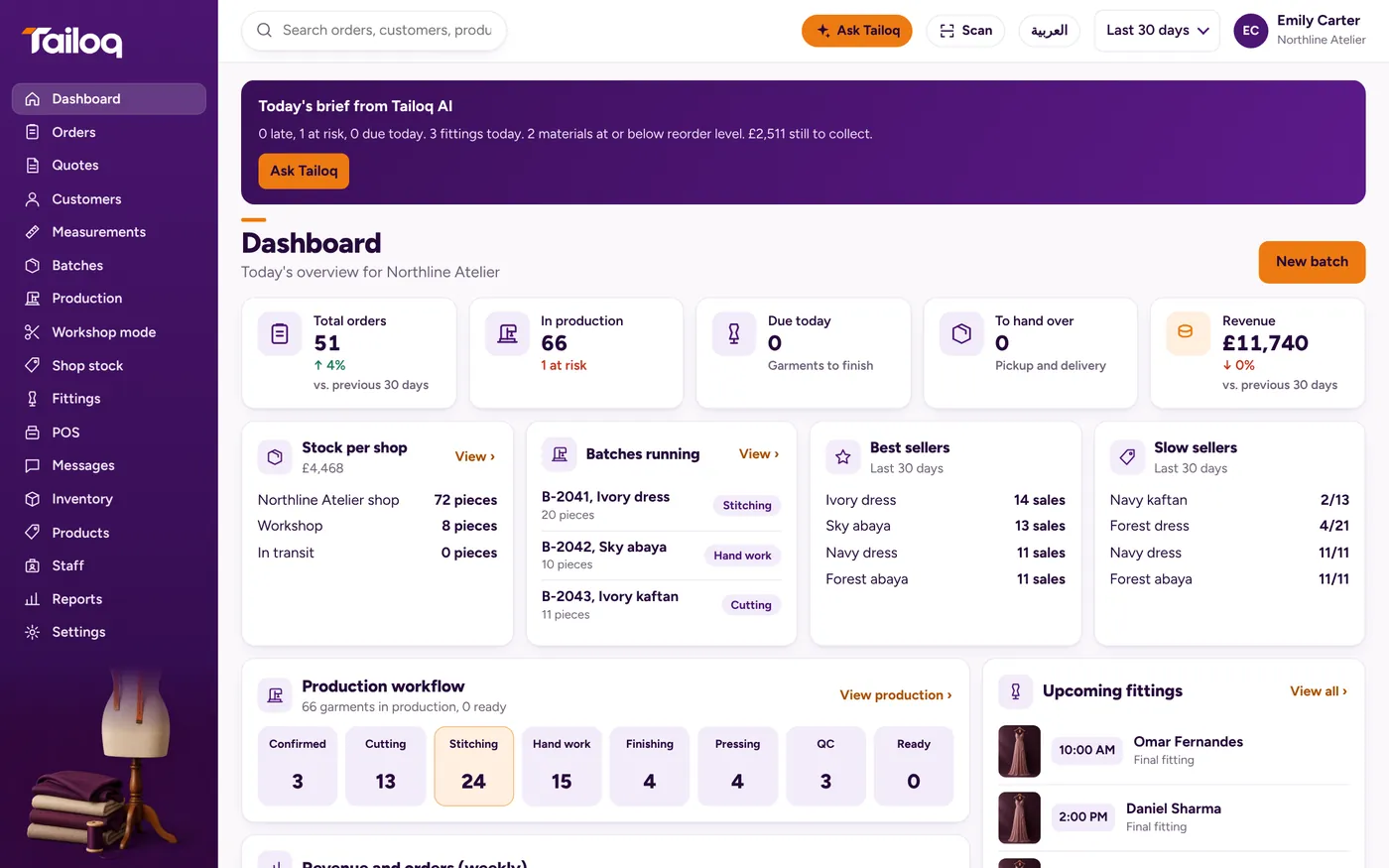
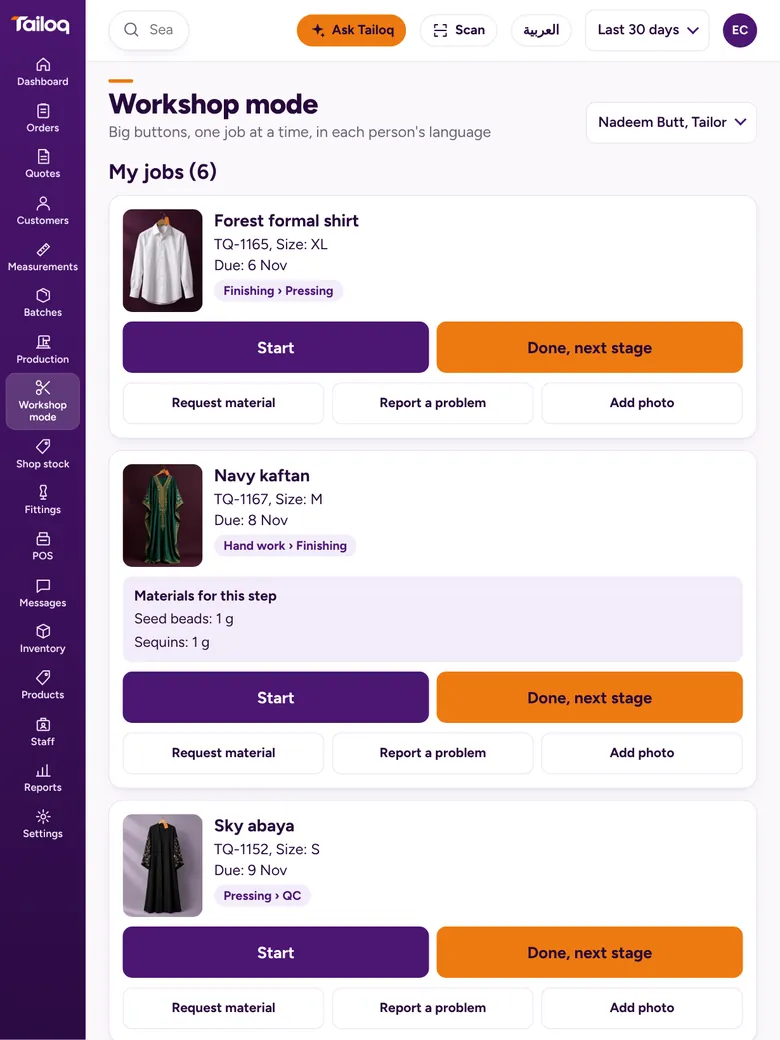
Each screen size gets a layout that suits it. Fittings fall into a day view on a phone and a week calendar on a computer. Workshop mode puts big buttons on a tablet, where they are easy to hit with busy hands.
That makes it a practical fit for a small alterations shop or a boutique with no spare budget for new hardware.
Questions
Do I need to buy a tablet or special hardware?
No. Tailoq works on the phone, tablet or computer you own.
Is Tailoq in the App Store or Google Play?
No. You install it from your browser using the steps on this page.
Does it work without a connection?
Working without a connection is on our not-yet list. Plan on having internet in the shop and the workshop.
How do I remove it?
The way you remove any app. Delete the icon on a phone or tablet, or uninstall it from the app window on a computer.